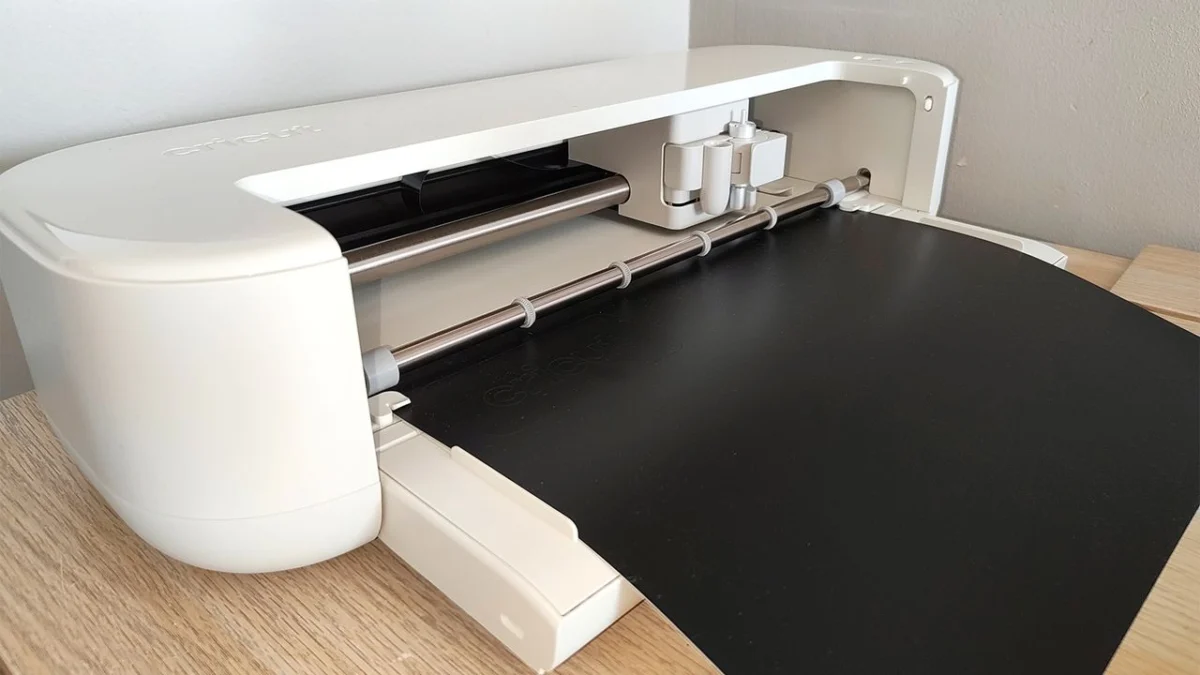
The landscape of home digital crafting has long been dominated by one name: Cricut. For years, the brand has occupied a unique "sweet spot," bridging the gap between casual hobbyist projects and professional-grade output. With the release of the new Cricut Explore 5, the company is not looking to reinvent the wheel. Instead, they have delivered a masterclass in refinement.
Having spent a month rigorously testing the Explore 5, it is clear that while this isn’t a radical departure from its predecessors, it is the most polished, efficient, and user-friendly iteration of the Explore series to date. It is smaller, quieter, and remarkably faster, making it the definitive entry point for newcomers and a compelling, if incremental, upgrade for long-time users of the Air series.
Main Facts: What is the Cricut Explore 5?
The Cricut Explore 5 is the latest flagship in the company’s "mid-range" lineup. Positioned beneath the powerhouse Maker series, the Explore 5 is optimized for the most common creative tasks: papercrafts, vinyl decals, iron-on transfers, and label-making.
Key Technical Specifications
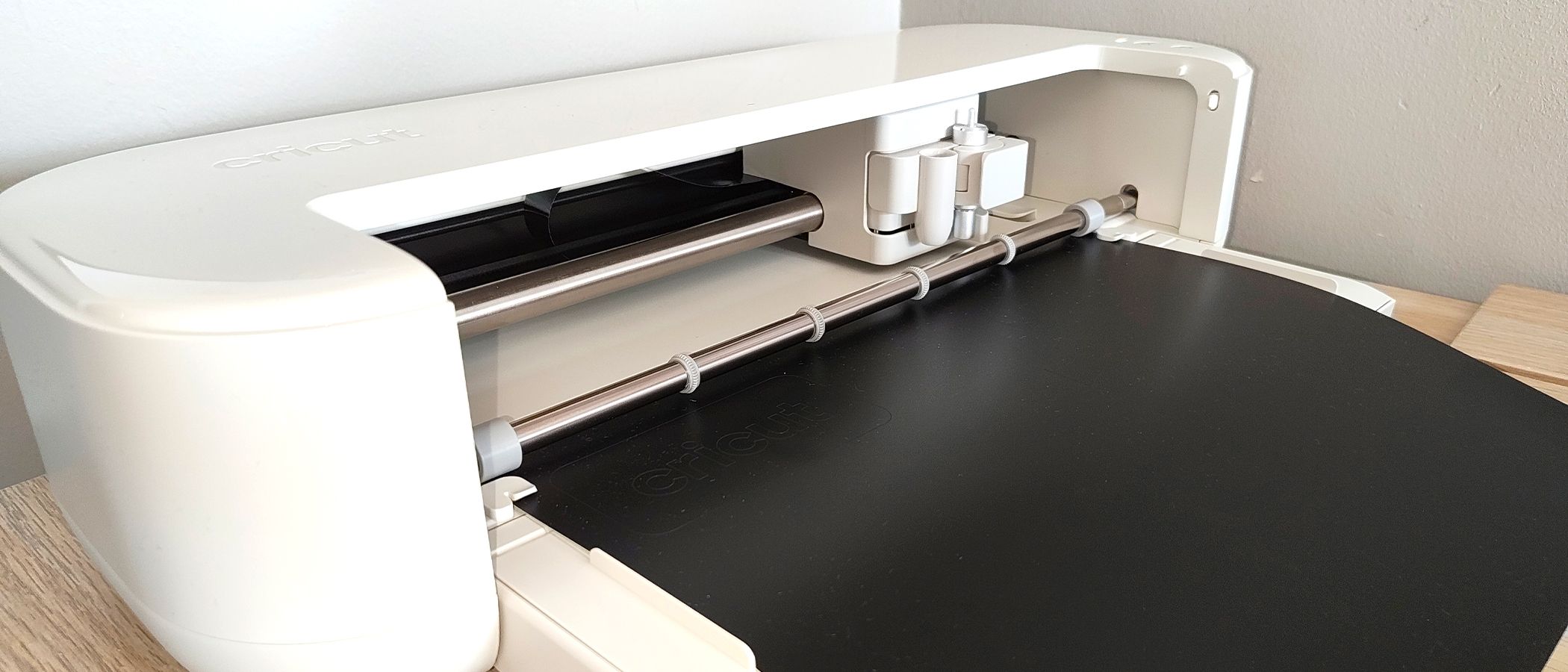
- Dimensions: Approximately 19.8 x 4.7 inches (a significant reduction in footprint).
- Performance: Enhanced motor speed and reduced decibel output compared to the Explore 4.
- Workflow: Streamlined, AI-assisted integration with Cricut Design Space.
- In-Box Value: A comprehensive starter bundle including a LightGrip mat, portable paper trimmer, scoring stylus, and an array of materials.
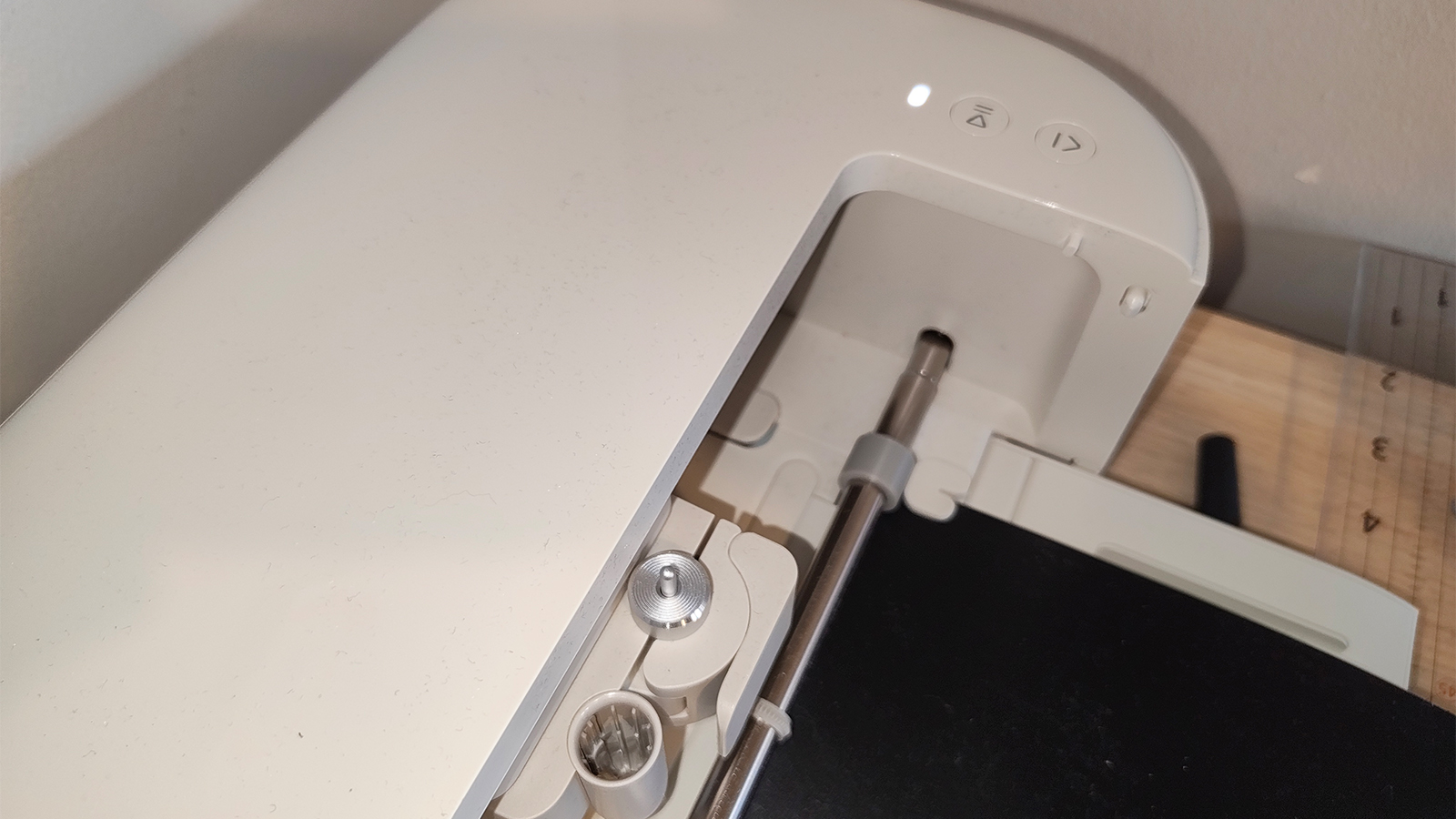
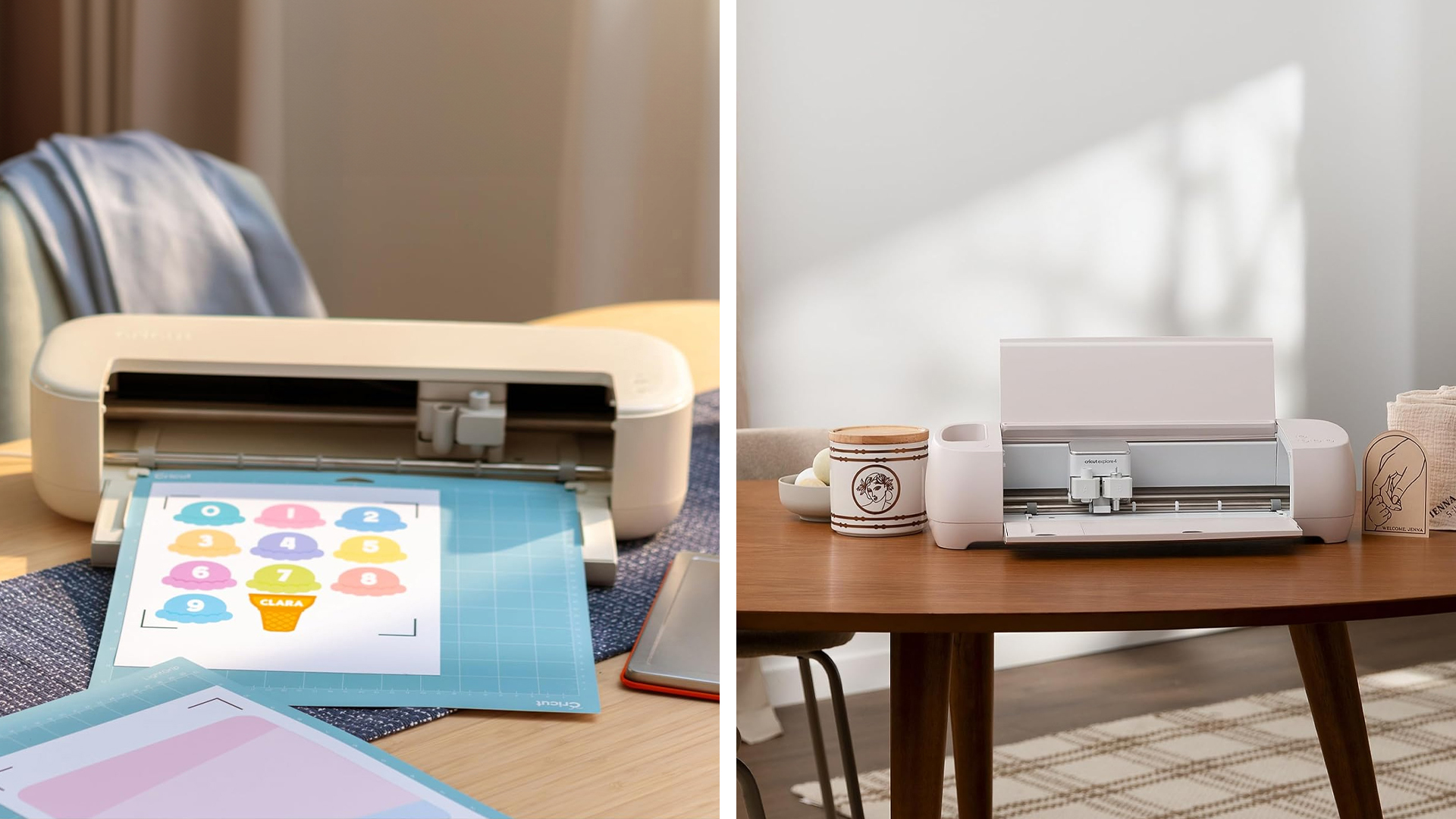
The machine’s physical footprint is perhaps its most striking feature. In a market where craft room real estate is at a premium, the decision to shrink the chassis is a massive win for hobbyists with limited workspace.
The Evolution: A Chronology of the Explore Series
To understand why the Explore 5 feels like a "refinement," one must look at the trajectory of the series. The original Explore machines were bulky, industrial-looking units that prioritized utility over aesthetic. Over the last several iterations, Cricut has been steadily moving toward a design philosophy that mirrors consumer tech giants like Apple—minimalist, sleek, and unintrusive.
- The Early Days (Explore Air/Air 2): These machines defined the market but were often loud and required significant physical intervention during the cutting process.
- The Explore 3 Transition: This marked the shift toward "Smart Materials," allowing for longer, mat-less cutting, which revolutionized how crafters approached large-scale vinyl projects.
- The Explore 4 Iteration: This was a refinement of speed and silence, introducing better motor control and software stability.
- The Explore 5 Present: Today, we see the culmination of these lessons. The Explore 5 focuses on the "human-machine" interface—reducing noise, simplifying the setup, and ensuring that the machine stays on the desk rather than tucked away in a closet.
Supporting Data: Testing the Performance
My testing protocol focused on three pillars: Precision, Speed, and Usability.
Precision and Cut Quality
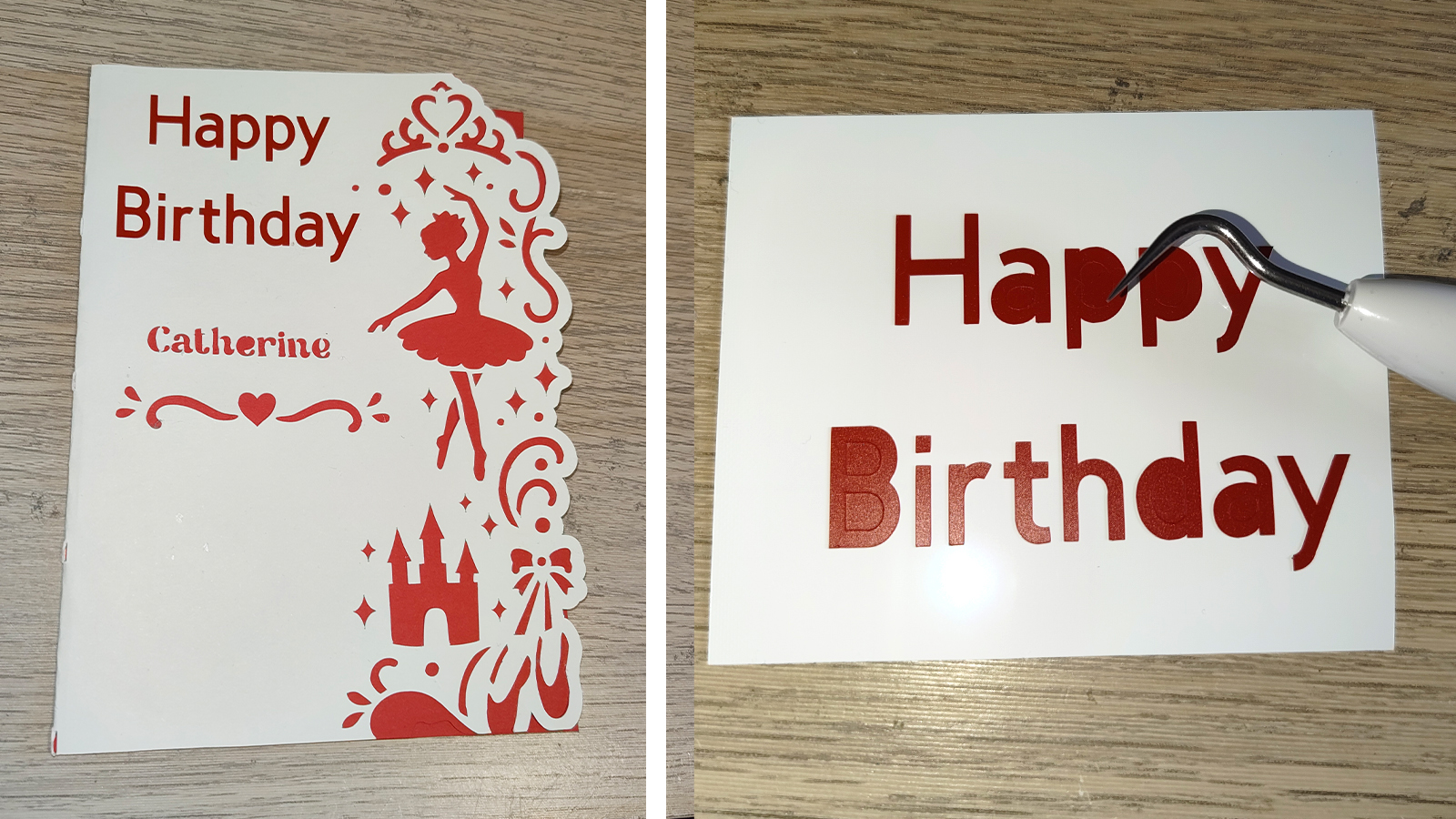
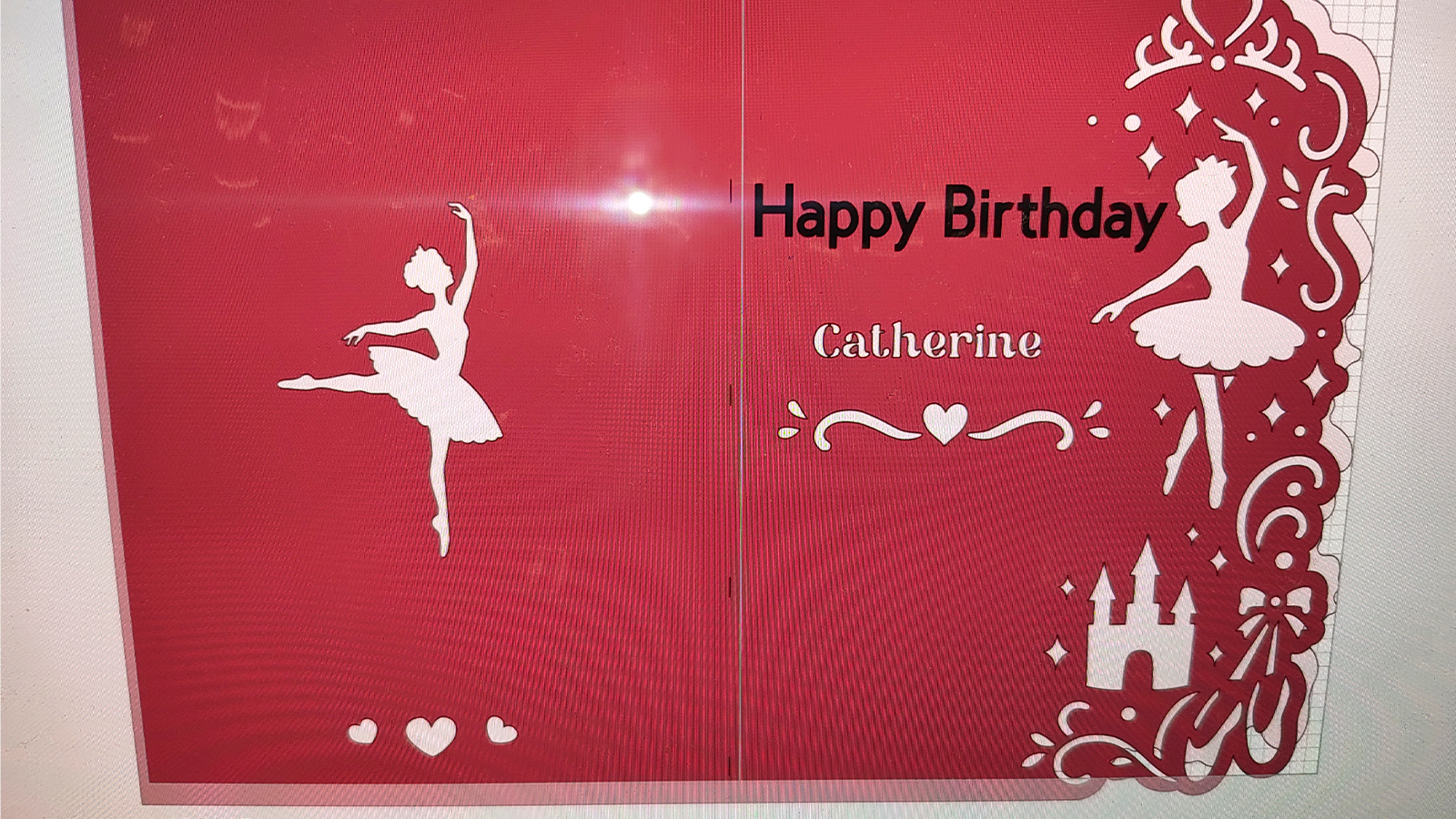
My first test involved creating a complex, multi-layered birthday card. The Explore 5 handled delicate cardstock with surgical precision. Even when tasked with intricate, small-scale lettering using Smart Permanent Vinyl, the machine demonstrated zero "sway"—a common issue in older models where the blade housing would vibrate during rapid direction changes. The cuts were crisp, and the weedability of the vinyl was flawless.
Speed and Acoustic Testing
The speed increase is palpable. While the specs suggest an incremental boost, the "perceived speed"—how long you sit waiting for a project to finish—is significantly lower. Furthermore, the noise reduction is a welcome change. During a two-hour session of cutting labels, the machine emitted a soft, rhythmic hum rather than the grating, high-pitched screech that defined the earlier Explore Air generations.
The "Bundle" Value Proposition
Cricut has finally listened to feedback regarding the "Day One" experience. The inclusion of the scoring stylus is a game-changer. By allowing the machine to create crisp fold lines for cards and boxes, the scope of what a beginner can achieve on their first day is vastly expanded. The bundle acts as a "crafting in a box" solution, removing the frustration of realizing you lack a specific tool halfway through a project.
Official Perspective and Design Philosophy
Cricut’s engineering team has emphasized that the Explore 5 was designed with the "Modern Maker" in mind. According to internal product briefings, the shift toward a smaller, quieter, and more automated workflow was a direct response to customer surveys indicating that "time to create" and "workspace limitations" were the primary barriers to adoption.
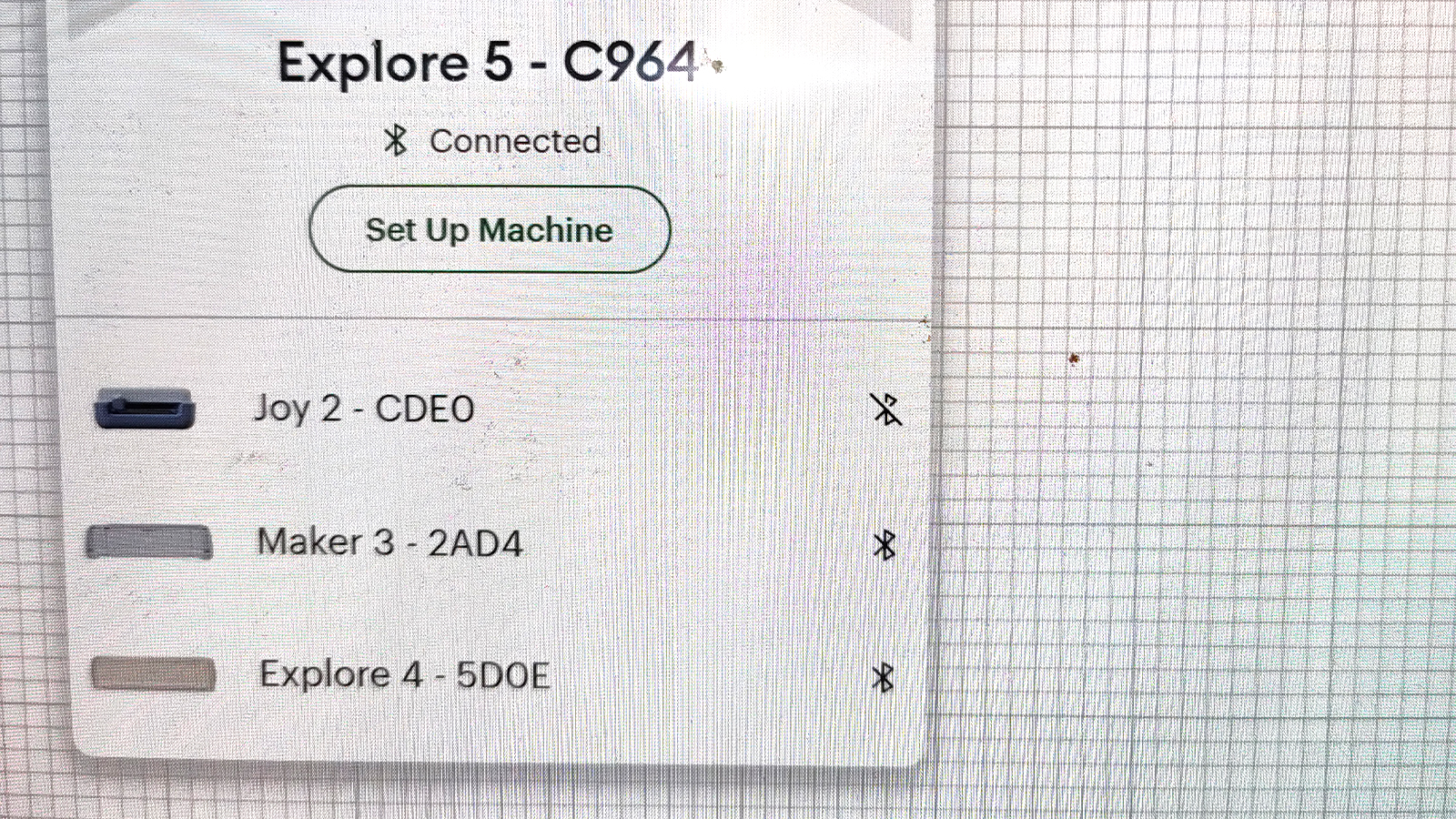
The company’s focus on the "guided workflow" within the Design Space software is also an intentional strategy to reduce the learning curve. By automating the prompts and guiding users through the material selection and loading process, Cricut is effectively lowering the barrier to entry for users who may feel intimidated by the "professional" nature of high-end cutting machines.
Implications: Who is this machine for?
The release of the Explore 5 creates a clear divide in the market:
For the Newcomer
If you have never owned a Cricut, this is your machine. It is the most approachable, feature-rich, and space-efficient model the company has ever produced. The included bundle provides everything you need to start, and the software improvements make the initial learning curve feel more like a fun exploration than a technical challenge.
For the Upgrader
If you are currently using an Explore Air 2 or an early Explore 3, the jump to the 5 will feel like a genuine quality-of-life upgrade. The reduced noise and faster cutting speeds alone justify the transition.
The "Hard Sell" (Explore 4 Owners)
For those who currently own an Explore 4, the calculus is more difficult. The improvements are, in my experience, "wafer-thin." If you are satisfied with your current output, the Explore 5 does not offer a "killer feature" that fundamentally changes your creative capacity. Unless you are desperate for a smaller footprint or the bundled accessories, you can safely skip this generation.
The Professional Divide: Explore vs. Maker
It is important to reiterate that the Explore 5 is not a Maker 4. If your business or hobby requires engraving metal, working with heavy leather, or cutting thick fabrics, you should bypass the Explore series entirely. The Explore 5 is a specialist in paper, vinyl, and cardstock—it does those things better than anything else in its class, but it is not intended to be a multi-material industrial workhorse.
Final Thoughts: The Software Bottleneck
While the hardware is near-perfect, the Cricut Design Space software remains the "elephant in the room." While it is undeniably more stable and user-friendly than it was five years ago, it still lacks the robust editing capabilities of professional-grade software like Adobe Illustrator or Affinity Designer.
For the target audience of the Explore 5—hobbyists and home crafters—the software is sufficient. However, for those looking to create highly bespoke, complex designs, the cycle of "design in third-party app, import to Design Space, cut" remains a friction point. As Cricut continues to evolve its AI-assisted features, one hopes that the next frontier of their development will be a more powerful, flexible design environment that honors the sophistication of their hardware.
The Verdict
The Cricut Explore 5 is a triumph of incremental improvement. It doesn’t scream for attention with flashy, unnecessary gimmicks. Instead, it quietly earns its place on your desk by being faster, quieter, and more helpful than anything that came before it. It is a refinement, yes—but it is exactly the refinement the craft world needed.