In a significant move toward data sovereignty and developer-centric workflows, Day One has officially entered the command-line interface (CLI) era. The popular journaling platform, known for its emphasis on reflective writing and secure archival, has released a beta version of its new Day One CLI, enabling users to programmatically interact with their journals, entries, and daily context items.
This development marks a pivot from a strictly application-based experience to an extensible ecosystem where tech-savvy users can treat their personal history as a programmable data set. By prioritizing a JSON-first interface and open-sourcing the project, Day One is inviting its community to move beyond passive record-keeping and into the realm of active data analysis and automation.
The Evolution of the Digital Diary: Why a CLI?
For over a decade, Day One has functioned as a digital sanctuary for millions of users. It is a place where entries serve as time capsules, allowing individuals to revisit their past selves and observe the trajectory of their lives. However, the company recognized that for power users, developers, and data enthusiasts, the app’s graphical user interface (GUI) acts as both a container and a constraint.
"Everything you’ve put into Day One is yours to keep. It should also be yours to use," the company stated in its launch announcement. By introducing the CLI, Day One is effectively decoupling the storage of the journal from the interface used to interact with it.
This shift is not merely about convenience; it is a fundamental shift in philosophy. By providing a scriptable interface, the company is acknowledging that the "source of truth"—the user’s personal data—should be portable and malleable. Whether it is surfacing long-term patterns across years of entries, automating repetitive logging tasks, or integrating journaling into broader life-management stacks, the CLI provides the infrastructure necessary to make these workflows a reality.
Chronology of Development: From Legacy Tools to Open Source
The path to the current CLI release has been a multi-year effort to modernize the way users interface with their data.
- The Legacy Era: Prior to this release, power users relied on a legacy CLI tool that was often limited by its integration with the Mac-specific environment. It required direct hooks into local machine storage, which often created friction for cross-platform developers or those working in cloud-based environments.
- The Shift to Web-Native/Cloud Architecture: Recognizing the limitations of local-only tooling, the development team architected the new Day One CLI to be a standalone, platform-agnostic tool. It functions independently of the official Mac application, relying on the robust Day One sync engine to propagate changes.
- The Beta Launch: As of this week, the tool has moved into public beta. By releasing it as an open-source project under the GPLv2 or later license (hosted on GitHub under the Automattic umbrella), the company has opened the door for community-driven improvements and audits. This transparency is a strategic choice, designed to foster trust as users begin to pipe their private journal data into scripts and third-party models.
Supporting Data: Technical Capabilities and Interoperability
The new CLI is built with modern developer workflows in mind. It is distributed via npm, the standard package manager for Node.js, ensuring a frictionless installation for anyone already working within the JavaScript/TypeScript ecosystem.
Key Technical Specs
- JSON-First Architecture: Every command returns data in a structured, machine-readable format. This allows users to pipe output directly into tools like
jqfor filtering or into data visualization frameworks like D3.js or Python’spandas. - Sync-Engine Integration: The CLI functions as a "device" on the user’s account. It respects the existing Day One sync architecture, meaning entries created via the command line automatically appear on mobile and desktop apps.
- Extensibility via AI Agents: Perhaps the most forward-thinking component of the release is the inclusion of "AI agent skills." By running
npx skills add bloom/dayone-cli-skills, users can equip their automation agents with the ability to read, search, and write to their journals, bridging the gap between LLM-based reasoning and personal memory.
Building the Future: Practical Use Cases
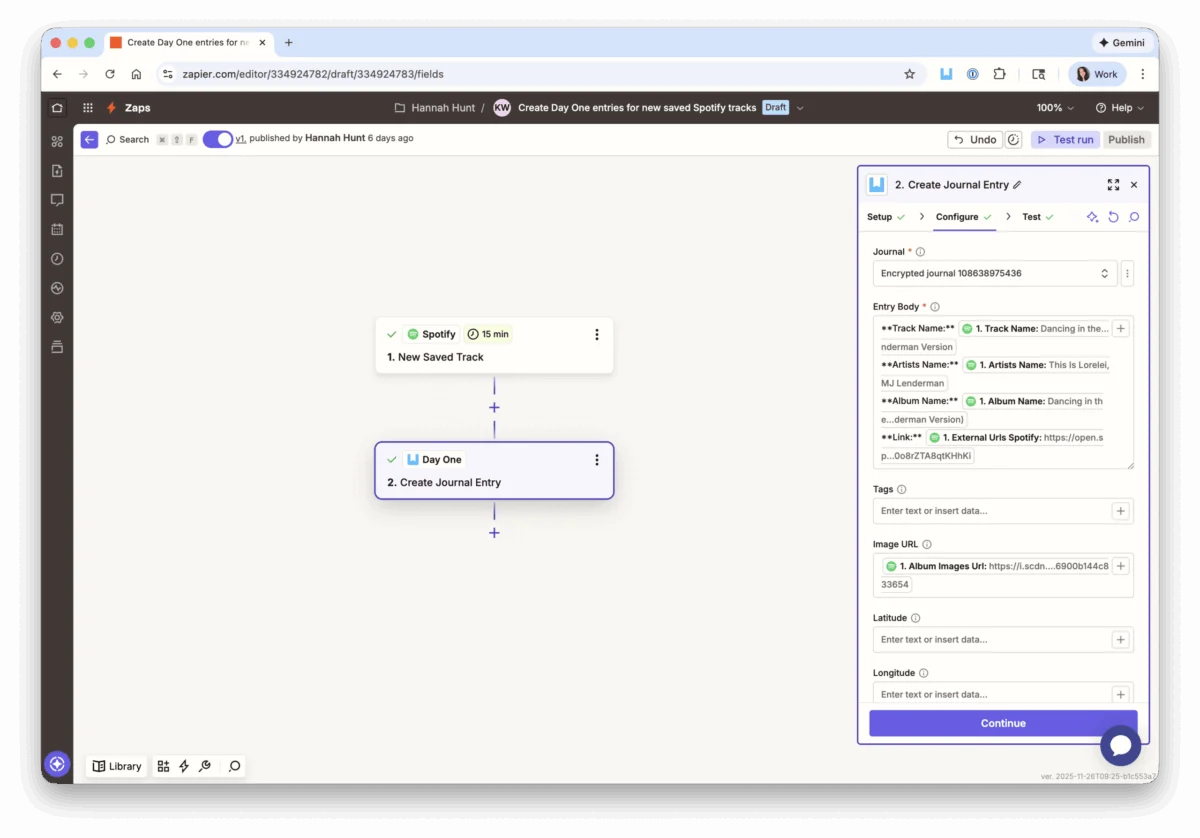
The potential applications for the Day One CLI are vast, limited only by the user’s scripting ability. The company has highlighted three primary pillars for what users can build:
1. Shared Journaling and Collaborative Bots
For households or project teams, the CLI enables the creation of shared "logs." A family might build a bot that automatically pulls daily highlights into a shared journal, or a development team might use a cron job to automatically dump project status updates into a Day One entry, ensuring a permanent, encrypted record of work progress without requiring manual entry.
2. Private LLM Analysis
One of the most requested features in the age of generative AI is the ability to analyze one’s own life data. Because the CLI makes it trivial to export years of entries as JSON, users can now securely feed their history into local Large Language Models (LLMs) like Llama 3 or Mistral. This allows for sentiment analysis, trend spotting, and "memory retrieval" without ever uploading private data to a third-party server, maintaining total privacy.
3. End-to-End Workflow Customization
Users can now treat their journal as a backend. Examples include:
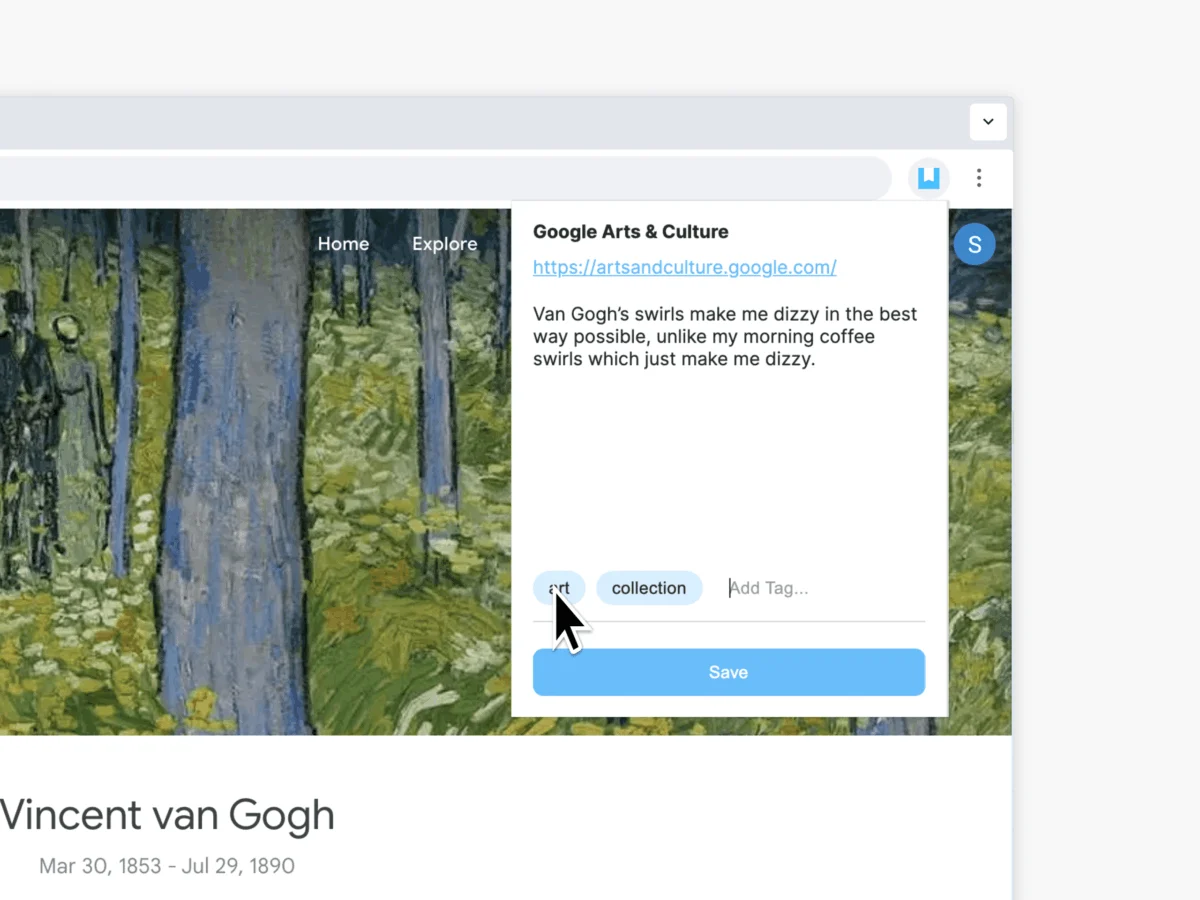
- Automated Bookmarking: A script that detects new blog posts or saved articles and automatically writes them to a "Reading List" journal in Day One.
- Health Integration: Pulling data from wearables (like Oura or Apple Watch) and appending daily sleep/activity stats to a daily entry.
- CI/CD Reporting: Developers can use the CLI to log deployment summaries or error patterns directly into a "Work" journal.
Official Responses and Strategic Implications
The release has been met with cautious excitement from the developer community. By hosting the project under the Automattic GitHub namespace, the company has signaled a long-term commitment to the tool.
"The CLI is a standalone tool with its own local data storage," the company noted in its documentation. "It does not require the Mac app or access the Mac app’s local data." This clarification is vital for users concerned about data integrity. By keeping the CLI and the GUI apps separated, Day One ensures that a bug in a custom script won’t accidentally corrupt the core application’s local database.
However, the transition comes with a caveat regarding account limits. Because the CLI acts as a registered device, users on the free plan will see the CLI count against their one-device limit. Those on the Silver or Gold plans will have more flexibility, allowing the CLI to run as a "background process" alongside their phone and laptop.
Privacy, Ownership, and the Ethics of Automation
Perhaps the most critical aspect of the Day One CLI is its stance on privacy. In an era where "personal data" is often synonymous with "data for sale," Day One’s decision to keep the CLI code public is a powerful assertion of user rights.
Users are rightfully concerned about what happens when they pipe their personal journals into AI models. The documentation is explicit: "If you connect an outside model or service, your entries go to that provider under their terms, not ours." By providing the CLI, Day One is not just giving users a tool; they are providing the transparency needed to make informed choices about where their data travels.
The open-source nature of the project serves as an audit trail. Any user can inspect the source code to verify that the CLI does not surreptitiously transmit data to unauthorized endpoints. This level of accountability is rare in the journaling space and sets a high bar for competitors.
Conclusion: A New Era for Reflective Computing
The launch of the Day One CLI is more than just a feature update; it is a reclamation of personal history in the digital age. By moving from a static "app" experience to a dynamic "data" experience, Day One has transformed the act of journaling from a manual, isolated task into a programmable, integrated component of a digital life.
As the beta progresses, the community’s contributions will likely dictate the future of the tool. Whether it leads to smarter AI-driven introspection or more robust cross-platform integrations, one thing is clear: the wall between our digital memories and our digital workflows has been torn down. For those who believe that their journals are the most important data they own, the Day One CLI is not just a tool—it is the key to unlocking the full potential of that information.
As users begin to build their own custom agents and workflows, the platform will continue to evolve, proving that in the right hands, a journal is not just a record of what happened, but a blueprint for what comes next.