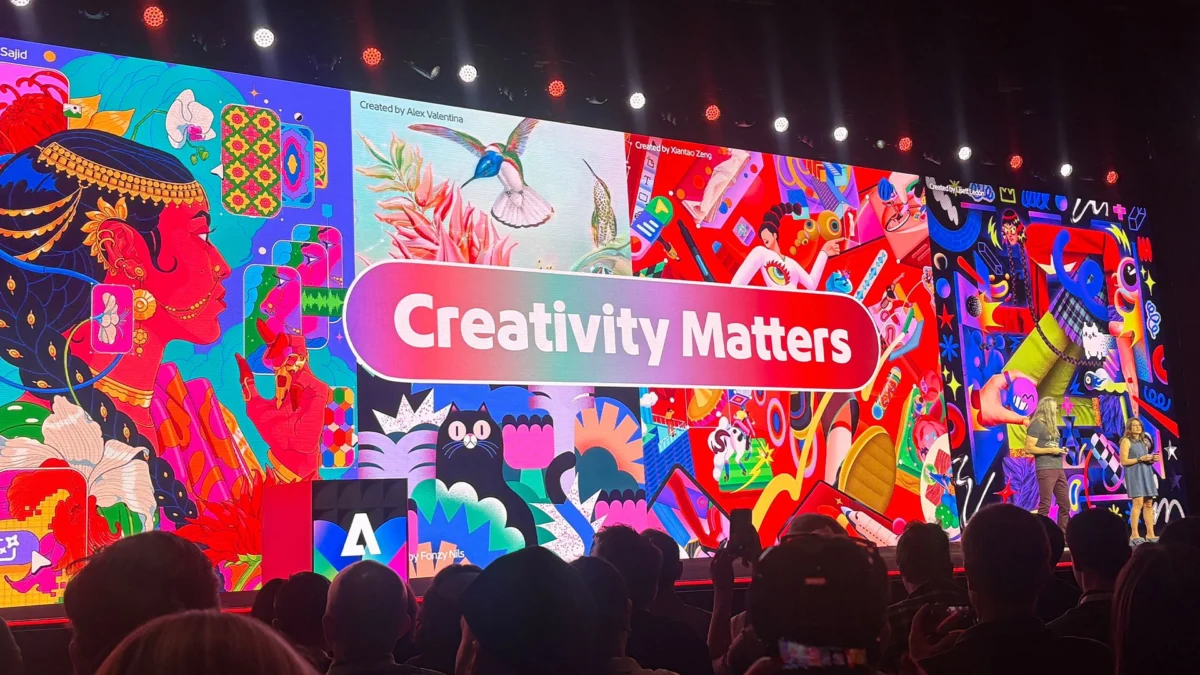
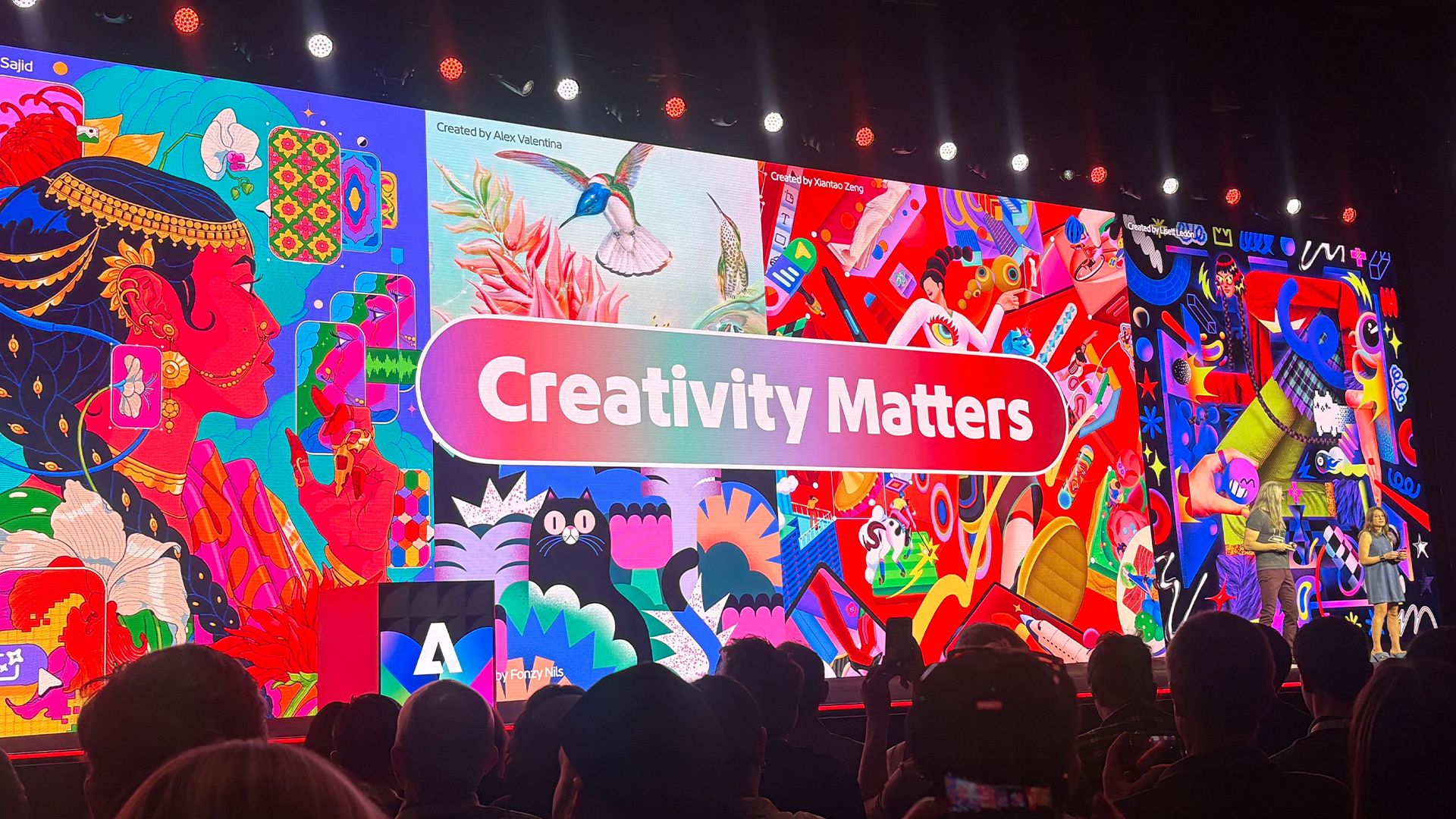
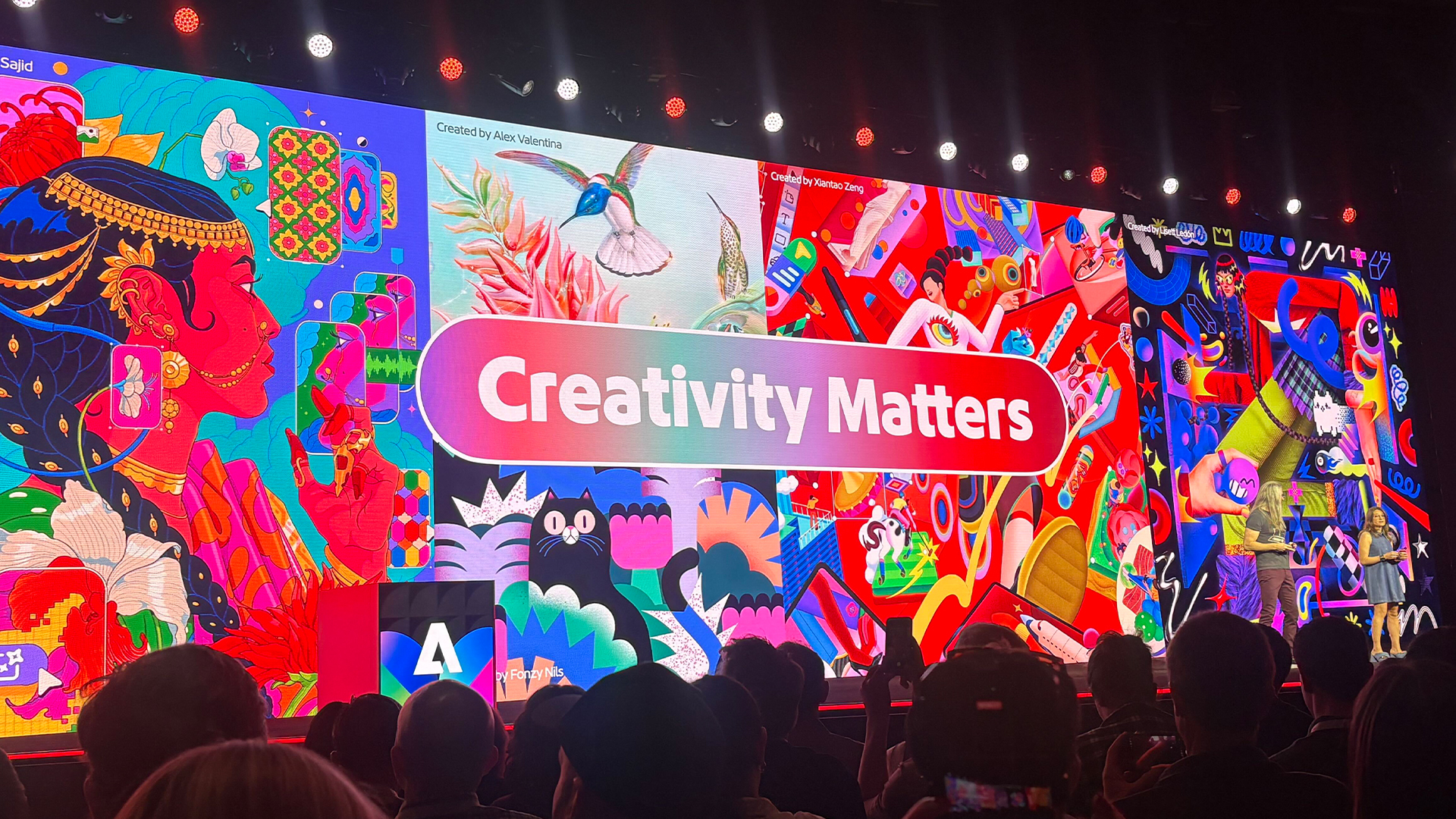
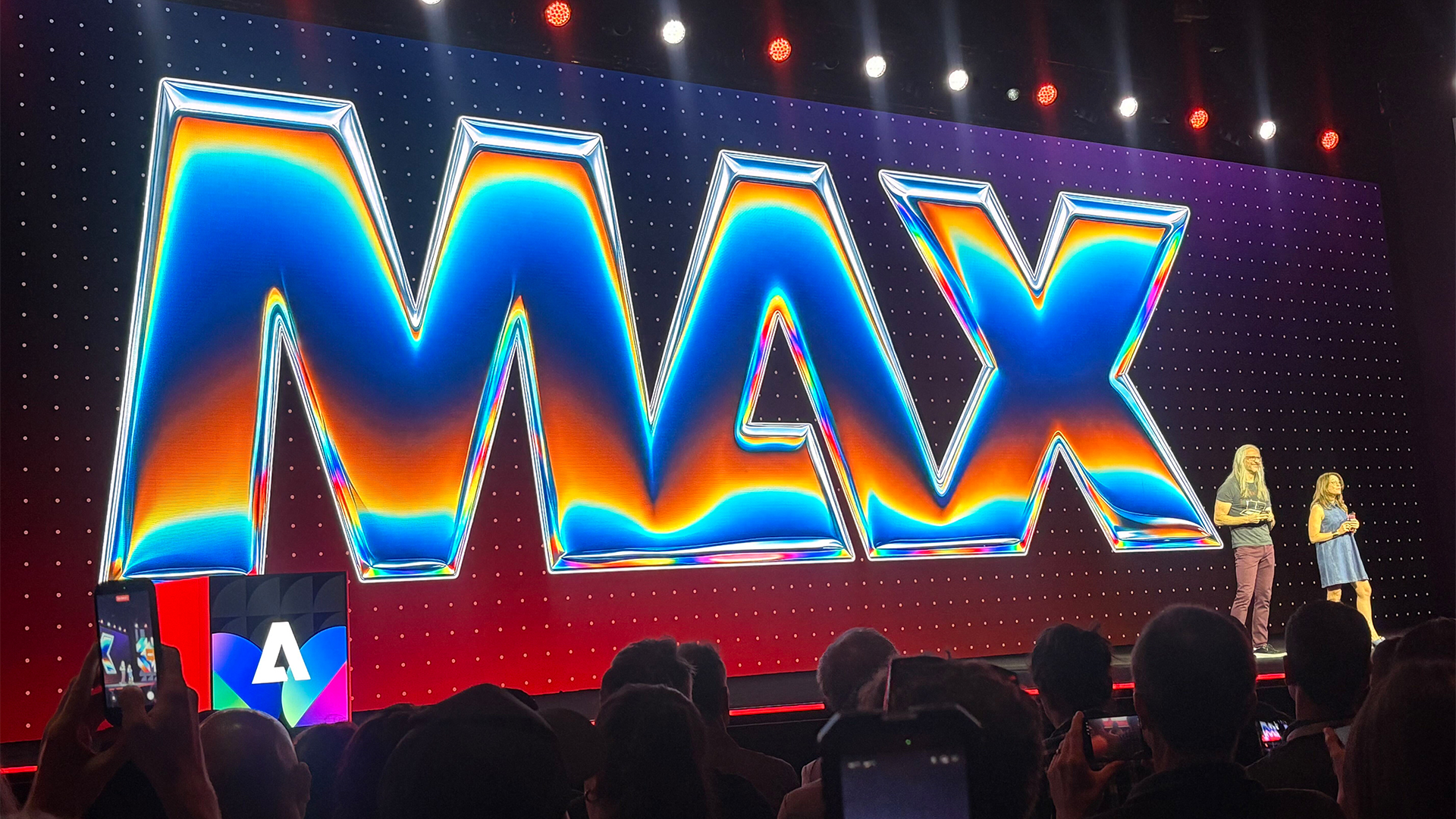
Adobe MAX, the company’s flagship annual conference, has long served as a theater for the future of digital creativity. While the main stage focuses on software updates and product launches, it is the "Sneaks" segment—a showcase of experimental technology still in the research phase—that truly captures the imagination of the creative community. At Adobe MAX 2026, one project stood out as a potential turning point for vector-based workflows: Project Link Up.
Project Link Up represents a fundamental shift in how designers interact with their software. By moving beyond traditional, static manipulation, this new tool aims to imbue Adobe’s vector applications with a sense of "context-awareness," effectively allowing a simple drag-and-drop gesture to perform complex spatial and stylistic adaptations.
The Core Concept: Redefining the Drag Gesture
For decades, the "drag" gesture in graphic design software has been binary: you select an object and move it from point A to point B. The software treats this action as a spatial instruction—a mere change in coordinates. However, Adobe’s research team, led by senior principal scientist Hailin Jin, identified that this gesture carries far more intent than current tools acknowledge.
When a designer moves an illustrated car into a parking space within a scene, they are not just changing its position. They are mentally calculating its perspective, its scale, its relationship to the lighting, and how its style meshes with the background. Project Link Up is designed to handle those secondary, tedious calculations automatically. By interpreting the context of the destination—the "scene"—the software intelligently transforms the vector object to align with the environment, all while keeping the resulting artwork fully editable.
Chronology of Development: From Observation to Prototype
The development of Project Link Up did not begin with a desire to build a specific tool, but rather with a series of observations regarding designer friction.
- The Observational Phase: Researchers tracked the common pain points in vector illustration workflows. They noted that artists spend a disproportionate amount of time manually redrawing assets when the composition of a scene changes, particularly when shifting viewing angles or focal points.
- The "Aha!" Moment: The team recognized that the physical act of moving an object could be used as an input for artificial intelligence. By analyzing where an item is dropped, the system can infer the desired perspective shift.
- The Prototype Stage: Throughout 2025, Adobe’s imaging and design research division began testing models that could perform "context-aware fusion." The goal was to ensure that the AI didn’t just "bake" the result into a static image, but instead maintained the underlying vector paths, allowing the designer to retain total control over the final output.
- Public Debut at MAX 2026: The project was unveiled to the public, showcasing its ability to instantly adapt perspective and style upon placement, marking it as one of the most highly anticipated experimental tools in the company’s recent history.
Supporting Data and Technical Functionality
At the heart of Project Link Up is a sophisticated synthesis of computer vision and generative vector manipulation. The technology relies on a "creativity slider," a parametric control mechanism that allows the user to decide the intensity of the AI’s intervention.
- Adaptive Fidelity: A designer can choose to keep the original form of an object intact while only adjusting the perspective, or they can push the slider to allow the AI to alter the visual style to match the lighting and texture of the new environment.
- Vector Integrity: Unlike raster-based AI tools that output flat pixels, Project Link Up operates within the vector domain. This ensures that after the AI performs its "fusion," the designer can still manipulate individual anchor points, change stroke weights, or adjust colors.
- Contextual Intelligence: The system does not just "look" at the object; it understands the scene’s composition. By analyzing the perspective lines and existing lighting cues, it calculates the necessary transformation matrix required to make the newly placed object feel like a natural inhabitant of the scene.
Official Perspective: Insights from Adobe Research
To delve deeper into the philosophy behind this innovation, we spoke with Hailin Jin, Senior Principal Scientist and Research Lead for Imaging and Design at Adobe.
When asked about the challenge of merging contrasting styles—such as placing a flat, minimalist vector icon into a complex, textured illustration—Jin emphasized that the software should be a partner, not a dictator. "Two contrasting styles don’t necessarily need to become one," Jin explains. "The key is understanding the creator’s intent. Sometimes the goal is harmony; other times, it is intentional contrast."
According to Jin, the project is designed to bridge the gap between "ease of use" and "expert control." "The aim is to help designers steer the relationship between elements," Jin notes. "If a user wants to keep a character’s specific style but adapt its perspective and lighting to a new background, they can do so with simple prompt guidance. The tool isn’t meant to take over; it’s meant to remove the mechanical drudgery so the designer can focus on the creative decisions that actually matter."
The Implications for the Creative Industry
The introduction of Project Link Up suggests a profound shift in the daily routines of illustrators, concept artists, and motion designers.
Eliminating the "Tedious Chore"
The single most significant benefit of this technology is the potential death of the "manual perspective correction" workflow. Currently, if an artist decides to change the angle of a room in a composition, they must often redraw every single object within that room to match the new vanishing point. Project Link Up could reduce this hours-long task to a simple click-and-drag action.
Enhancing Creative Discovery
Adobe’s philosophy is rooted in the idea of "immediate exploration." When a designer has to spend thirty minutes preparing an asset just to see if it works in a scene, they are less likely to experiment with different ideas. If that adjustment takes seconds, the barrier to experimentation drops. This fosters a more iterative process, where designers can "try on" different compositions as easily as they might change a font style.
The Future of "Understanding" Tools
Looking five years ahead, Project Link Up serves as a microcosm of a larger trend at Adobe: the shift from "dumb" tools that merely execute commands to "intelligent" tools that understand the content they contain.
As software becomes more aware of the relationships between elements, the interaction between human and machine will become more conversational. Moving an object will no longer just be a change in position; it will be a communication of intent. For professional designers, this is the ultimate goal: a system that handles the physics and the geometry, leaving the artist free to exercise their judgment, taste, and vision.
Conclusion
Project Link Up is more than just a clever trick for the Adobe MAX stage; it is a signal of the future of design software. By turning the mundane gesture of dragging an object into a complex, AI-assisted design operation, Adobe is signaling that the next era of creative tools will be defined by speed, intent, and a deep understanding of artistic context.
As the industry moves toward a future where generative and manual workflows are inextricably linked, tools like Project Link Up will be the ones that keep the designer in the driver’s seat. It is an exciting prospect—a future where the software works as hard as the artist, ensuring that the only limit on a creative’s output is their imagination, not the time it takes to redraw a perspective line.
For more on the latest advancements in digital design, be sure to check out Adobe’s recently announced features for Photoshop 2027 and other developments from the Adobe MAX 2026 conference.