The landscape of digital art hardware has long been dominated by two distinct silos: the high-end, stationary pen display for professional studio work, and the consumer-grade tablet for casual sketching. For years, Android-based drawing tablets struggled to bridge this gap, often failing to replicate the nuanced pressure sensitivity and low-latency tracking that artists demand. Enter the XPPen Magic Pro 13—a device that doesn’t just promise to be a better tablet, but aims to be a complete hybrid solution for the modern creator.
In our comprehensive testing, the Magic Pro 13 proved itself to be more than a mere iterative update. It is a sophisticated piece of hardware that successfully reconciles the mobility of an Android device with the performance expectations of a professional desktop pen display.
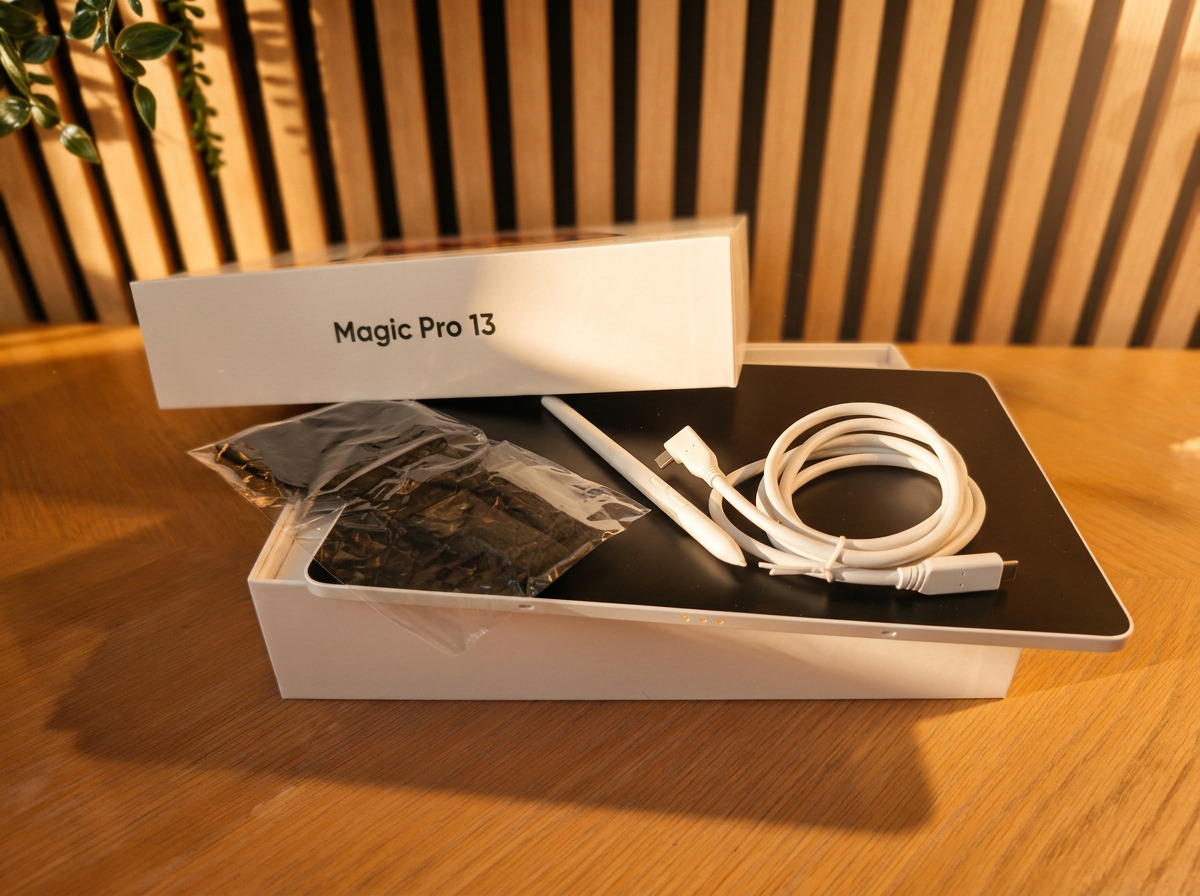
Main Facts: The Anatomy of the Magic Pro 13
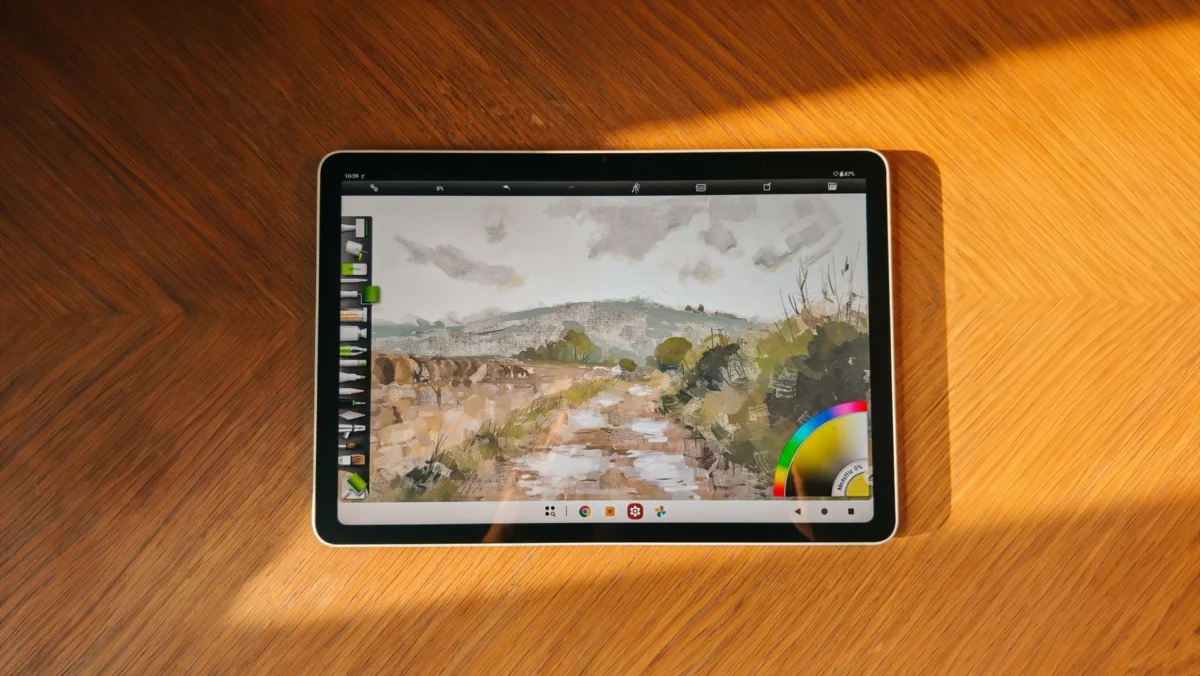
At its core, the XPPen Magic Pro 13 is a 13-inch powerhouse. It features a stunning 3K display with a 120Hz refresh rate, ensuring that every brushstroke feels fluid and instantaneous. The device is powered by the Dimensity 8300 processor paired with 8GB of RAM, providing enough overhead to run demanding art applications without breaking a sweat.
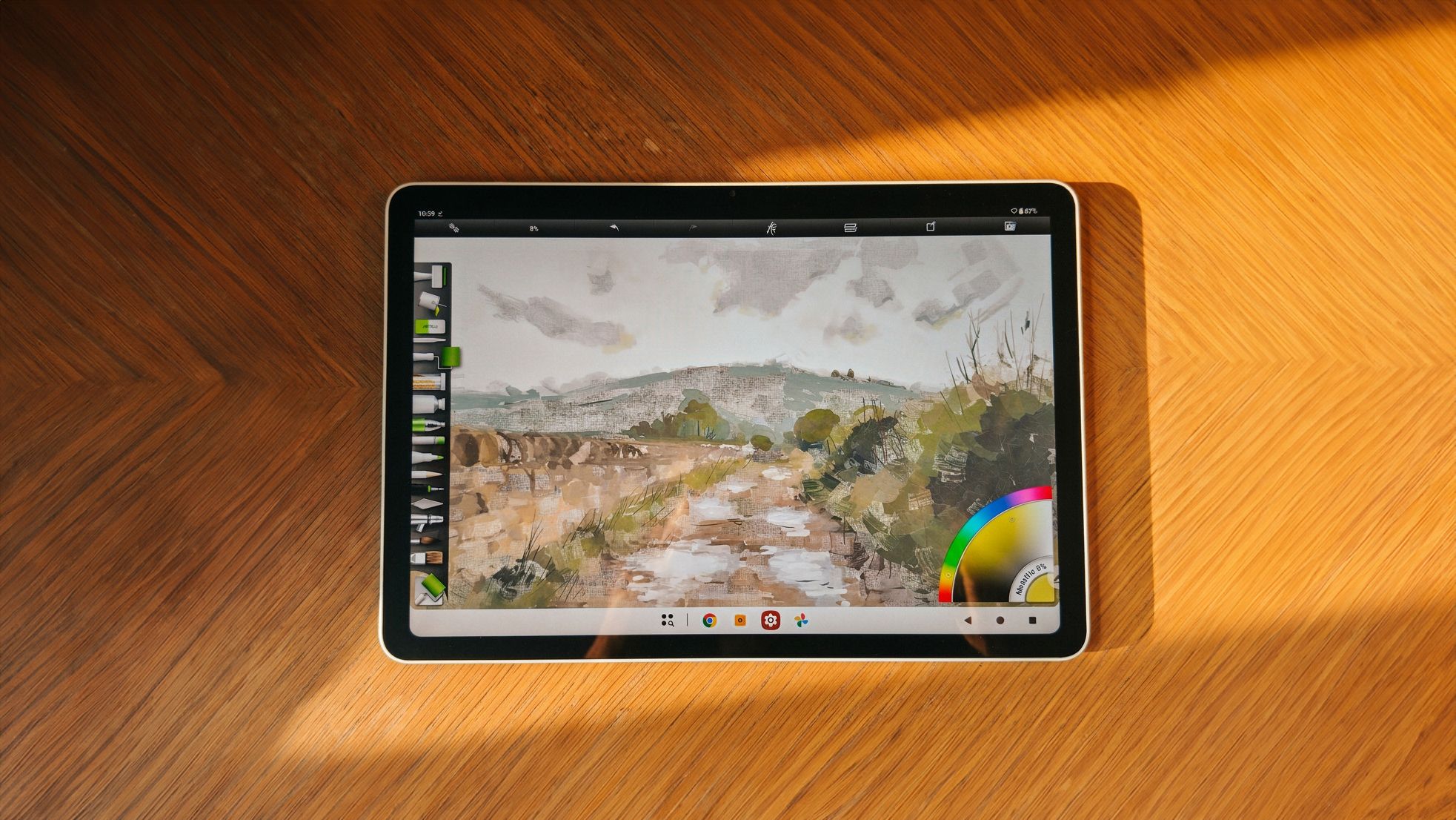
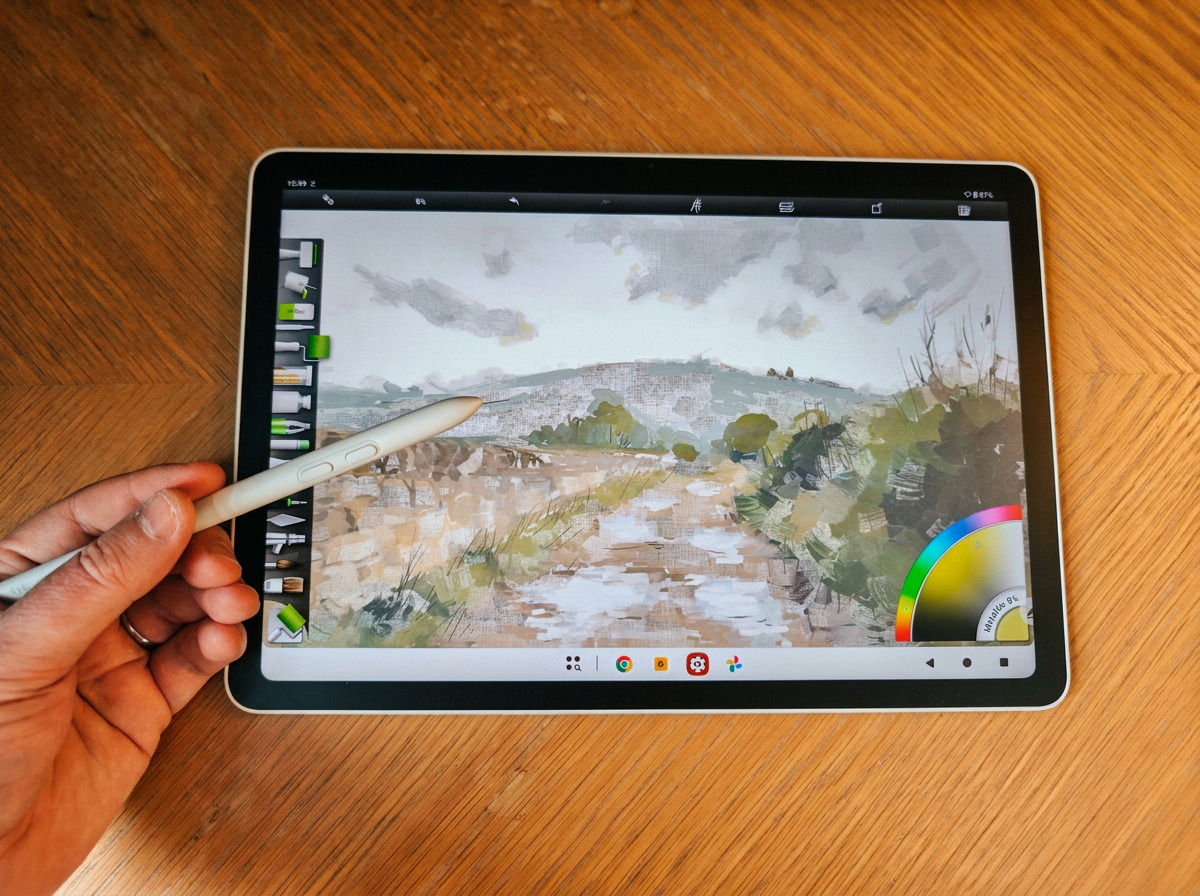
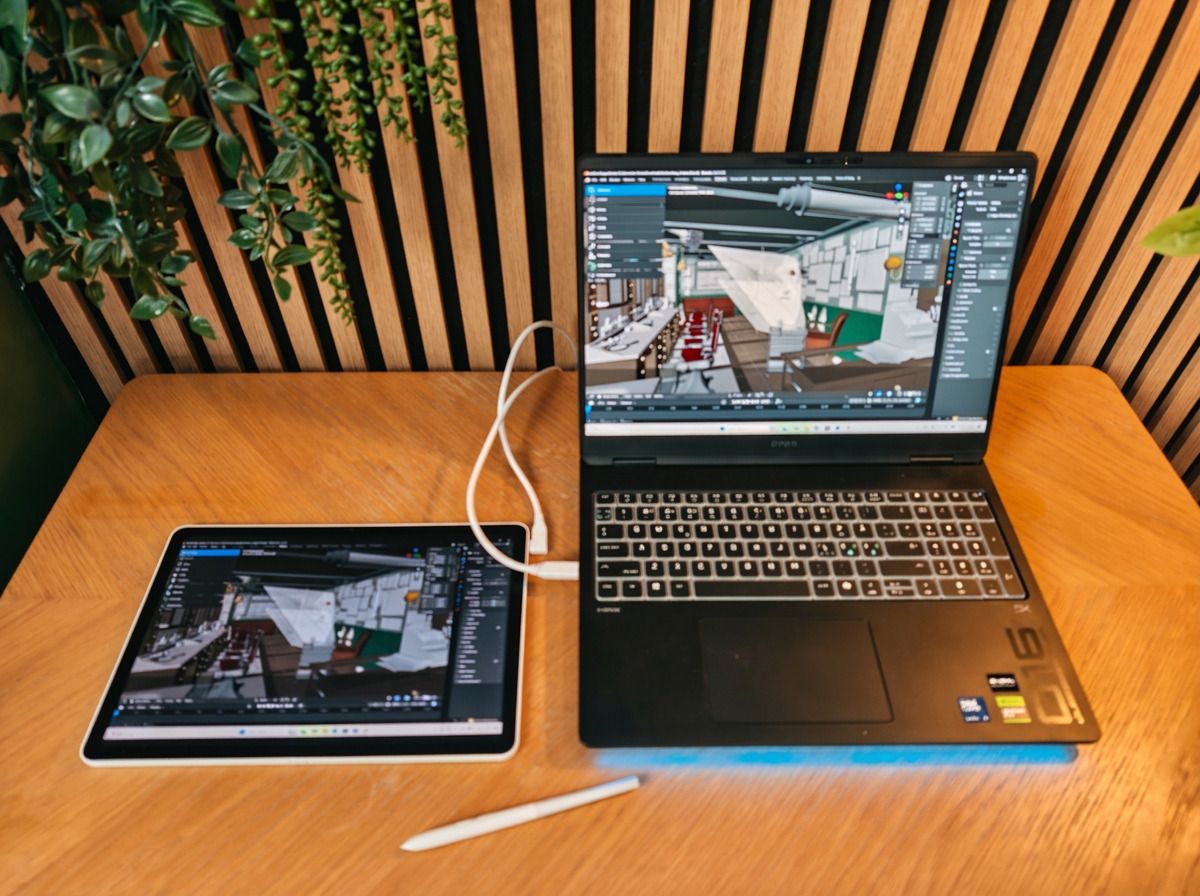
However, the real "magic" lies in its dual-nature functionality. Out of the box, it is a fully standalone Android 16 tablet, capable of handling email, media consumption, and, most importantly, professional-grade digital illustration. When the need arises for more power or a familiar desktop environment, the tablet transitions seamlessly into a secondary pen display for your PC or Mac via a simple USB-C connection.
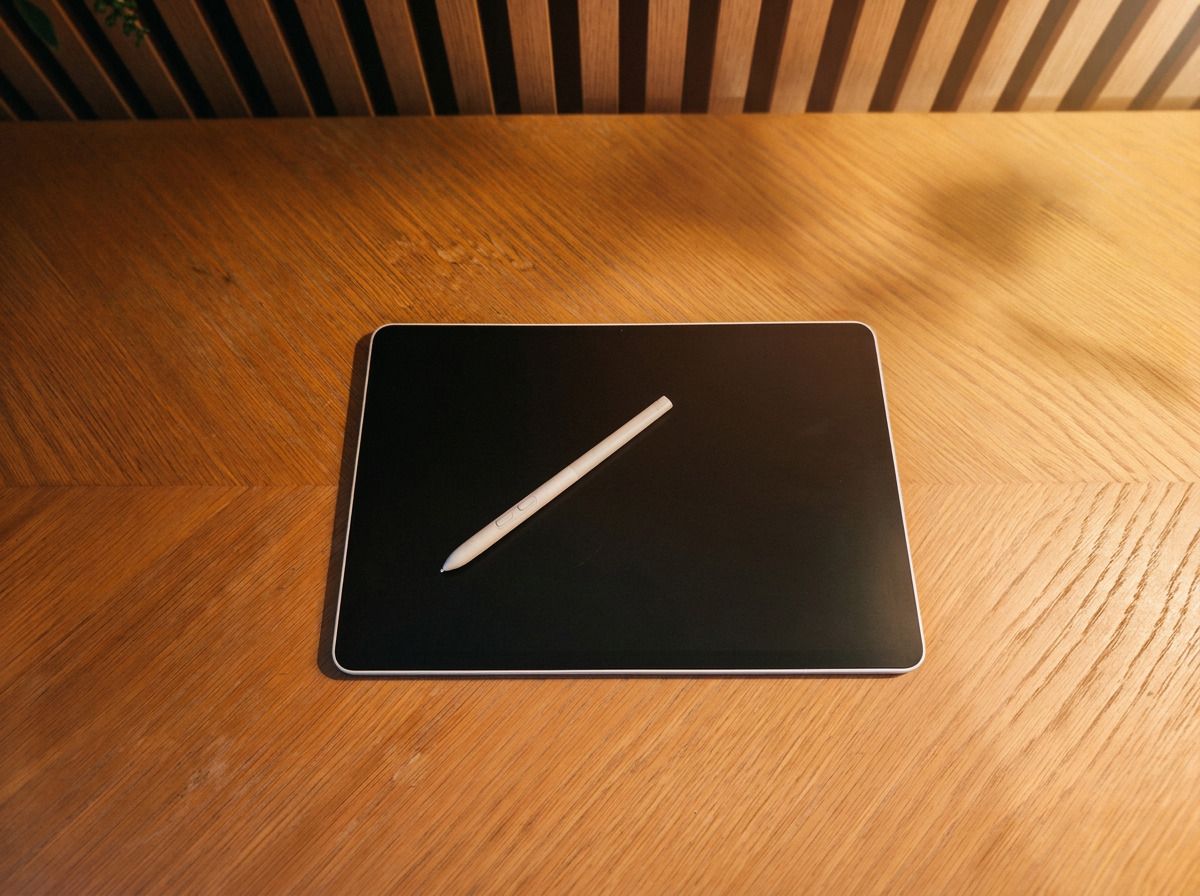
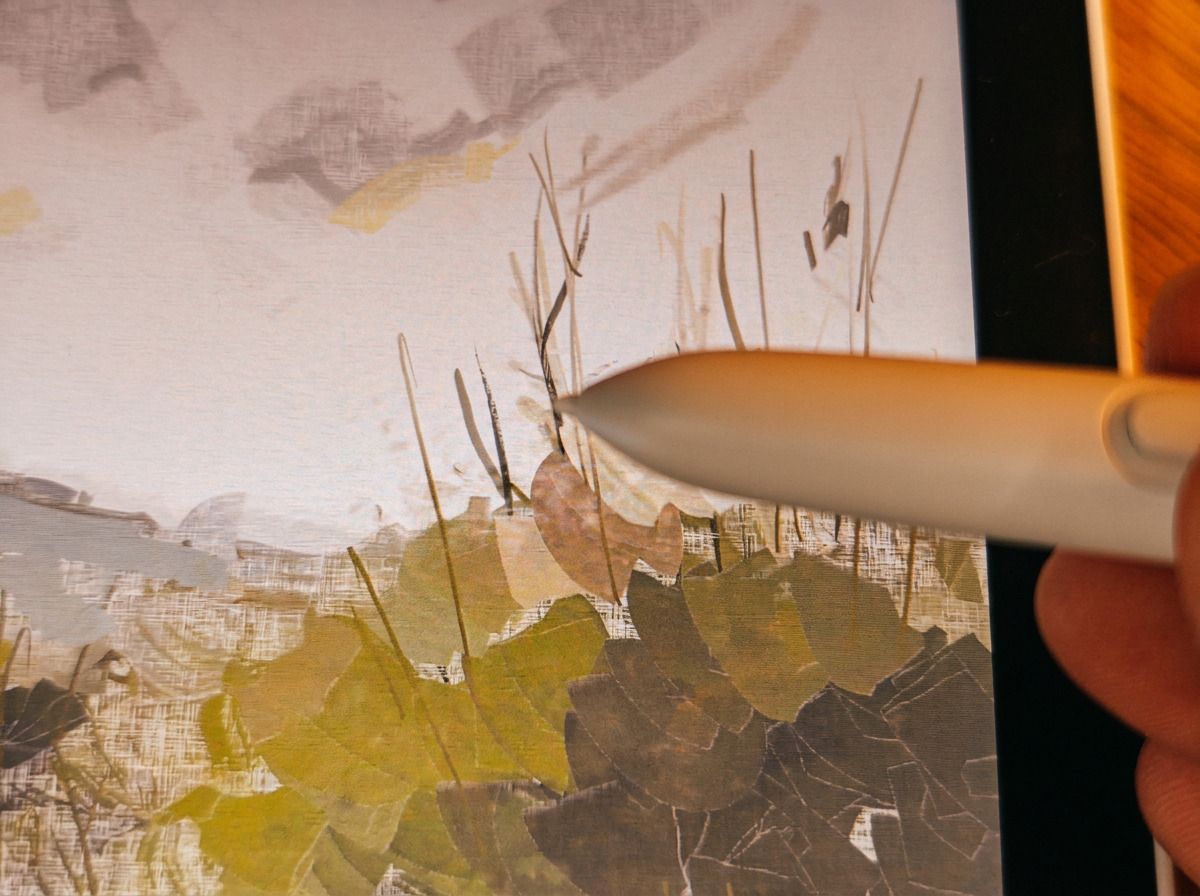
Unlike previous iterations that suffered from cursor jitter or inaccurate tracking, the Magic Pro 13 introduces the X4 Smart Chip Stylus. This new pen offers an incredible 16,384 levels of pressure sensitivity, a 2g initial activation force, and a 5,080 LPI resolution, placing it squarely in the performance bracket of top-tier Wacom hardware.
Chronology: The Evolution of XPPen
To understand the significance of the Magic Pro 13, one must look at XPPen’s trajectory over the last three years.
2021-2022: The Disruptor Phase
XPPen initially made waves by offering budget-friendly alternatives to industry giants. While their early devices were capable, they were often dismissed as "entry-level" tools. The original XPPen Magic Drawing Pad was a pivotal moment, proving that a dedicated Android drawing environment was possible. However, it was plagued by minor latency issues and resolution gaps that kept it firmly in the "hobbyist" category.
2023: The Shift Toward Pro-Level Tech
The release of the Artist Ultra 14 OLED signaled a change in strategy. XPPen began prioritizing high-end color accuracy and build quality, moving away from plastic-heavy budget builds.
2024: The Arrival of the Magic Pro 13
With the launch of the Magic Pro 13, the manufacturer has officially graduated from a disruptor to a premium player. By incorporating feedback from the original Magic Drawing Pad—specifically regarding accuracy and processing power—the company has delivered a product that finally bridges the gap between "good enough" and "professional standard."
Supporting Data: Technical Specifications and Performance
The performance of the Magic Pro 13 is best illustrated through its technical capabilities:
- Display: 12.95-inch screen, 3K resolution, 100% sRGB, and 96% DCI-P3 color coverage. Peak brightness reaches 650 nits, making it suitable for both indoor studios and outdoor sketching.
- Stylus Performance: The X4 Smart Chip Stylus is the highlight. The 5,080 LPI resolution ensures that the distance between the nib and the cursor is virtually imperceptible, a stark improvement over its predecessors.
- Thermal Management: During stress tests involving 3D sculpting in Nomad Sculpt and heavy painting in ArtRage, the device maintained consistent performance without the throttling or heat spikes common in competitor tablets.
- Connectivity: The device features dual USB-C ports. While only one supports high-bandwidth video out for PC connectivity, the implementation is "plug-and-play," requiring no cumbersome driver installations or software configuration.
Official Responses and Industry Context
In discussions with industry professionals, the feedback on the Magic Pro 13 has been largely centered on the "Wacom gap." For years, Wacom’s MovinkPad Pro 14 has been the gold standard for portable pen displays. While the Wacom device features an OLED panel and slightly higher RAM (12GB), the XPPen Magic Pro 13 offers a compelling counter-argument.
XPPen has positioned this device as a value-oriented powerhouse. By omitting the expensive OLED panel, they have been able to keep the price point roughly $100–$150 lower than the Wacom, while including features that Wacom lacks, such as built-in cameras and a more robust standalone Android interface.
The industry consensus is that XPPen is no longer just "the budget option." Instead, they are defining a new category of "Prosumer Hybrid" tablets that provide 90% of the functionality of high-end devices at a significantly more accessible price point.
Implications: What This Means for Digital Artists
The implications of the Magic Pro 13’s release are profound for the digital art community.
1. The Death of the "Budget Tablet" Stigma
For a long time, choosing an XPPen meant compromising on build quality or software stability. The Magic Pro 13 dispels this myth. Its matte, nano-etched glass finish and sturdy frame demonstrate that premium materials are no longer the sole domain of Apple or Wacom.
2. The Rise of the "One-Device" Workflow
Many freelance artists currently maintain two separate setups: a powerful desktop PC with a Wacom Cintiq for detailed studio work, and an iPad for travel or remote sketching. The Magic Pro 13 challenges this necessity. Because it functions as both a standalone Android computer and a PC-tethered drawing display, artists can now move from the coffee shop to their studio desk without switching hardware or syncing files between operating systems.
3. Increased Competition for Apple and Wacom
The success of the Magic Pro 13 forces a conversation about the "Apple Tax" and the "Wacom Premium." When a $100-cheaper device can match the pen tracking, resolution, and color accuracy of established players, the pressure on the market leaders to innovate becomes immense.
Final Verdict: Why It Deserves Your Attention
The XPPen Magic Pro 13 is a testament to the fact that, in 2024, hardware maturity has reached a tipping point. It is a superb, portable Android drawing tablet that treats the artist’s needs as the primary design constraint rather than an afterthought.
Reasons to Buy:
- Exceptional Stylus: The 16,384 pressure levels and 5,080 LPI provide a natural, jitter-free drawing experience.
- Hybrid Versatility: The seamless transition from standalone tablet to PC display is the best in the market.
- Build Quality: A premium feel that rivals the best tablets from Apple and Samsung.
- Value: It offers pro-grade specs at a price that significantly undercuts the competition.
Things to Consider:
- No OLED: Those who require perfect blacks for high-end color grading may still prefer the Wacom MovinkPad Pro 14.
- Separate Accessories: Like the iPad, the stand and magnetic keyboard are sold separately.
- Android Ecosystem: While the tablet is powerful, some professional desktop-only software (like full versions of Adobe Suite) still requires the PC-tethered mode.
Ultimately, the XPPen Magic Pro 13 is an accomplished, premium tool. If you are an artist who finds themselves juggling too many devices or who has been waiting for an Android tablet that finally, truly delivers on the promise of a professional drawing surface, this is the device you have been waiting for. It is not just an alternative to an iPad; for many, it will be the superior choice.